A budget spreadsheet that fits real life.
Download the template, fill in income, fixed costs, variable costs and this month's savings goal, and it shows what's left. No sign-up. When it gets too small, MyMoney picks up exactly where it stops.
Excel file. Opens in Google Sheets and LibreOffice. No email, no sign-up.
- Monthly summary with what's left
- Transactions tab with examples
- Ready-made categories
- Excel, Google Sheets and LibreOffice
- No email, no sign-up
What's in the spreadsheet
The template has three tabs, designed for an ordinary household. Summary holds the month's income, fixed costs, variable costs, savings goal and the calculation of what's left, all with formulas. Transactions has date, description, category, account or card and amount, with example rows you delete. Categories ships with a starter list (housing, groceries, transport, health, leisure, subscriptions) you can rename freely.
It comes from a real spreadsheet: the one MyMoney's founder used for years for his own household before turning it into the app (the story is in Why MyMoney). No macros, no password, no email required.
- Summary: income, fixed, variable, goal and what's left, with automatic totals.
- Transactions: one expense per row, with a category and an account or card.
- Categories: the starter list, so you can begin without overthinking it.
How to use the monthly expense spreadsheet
Fill it in at three points in the month. That cycle is what makes a household budget work — not the spreadsheet itself, the habit of looking at it.
- At the start of the month, enter expected income and fixed costs (rent, utilities, school, health plan, subscriptions). The sheet immediately shows what's left for variable spending.
- During the month, log what leaves the card and the account on the Transactions tab. One row per expense, with a category, without fussing.
- At the end of the month, total the variable spending by category, compare it with the plan and set next month's goal. If something was left, save it before spending it; if it fell short, the category that blew up is right there.
When the spreadsheet stops answering
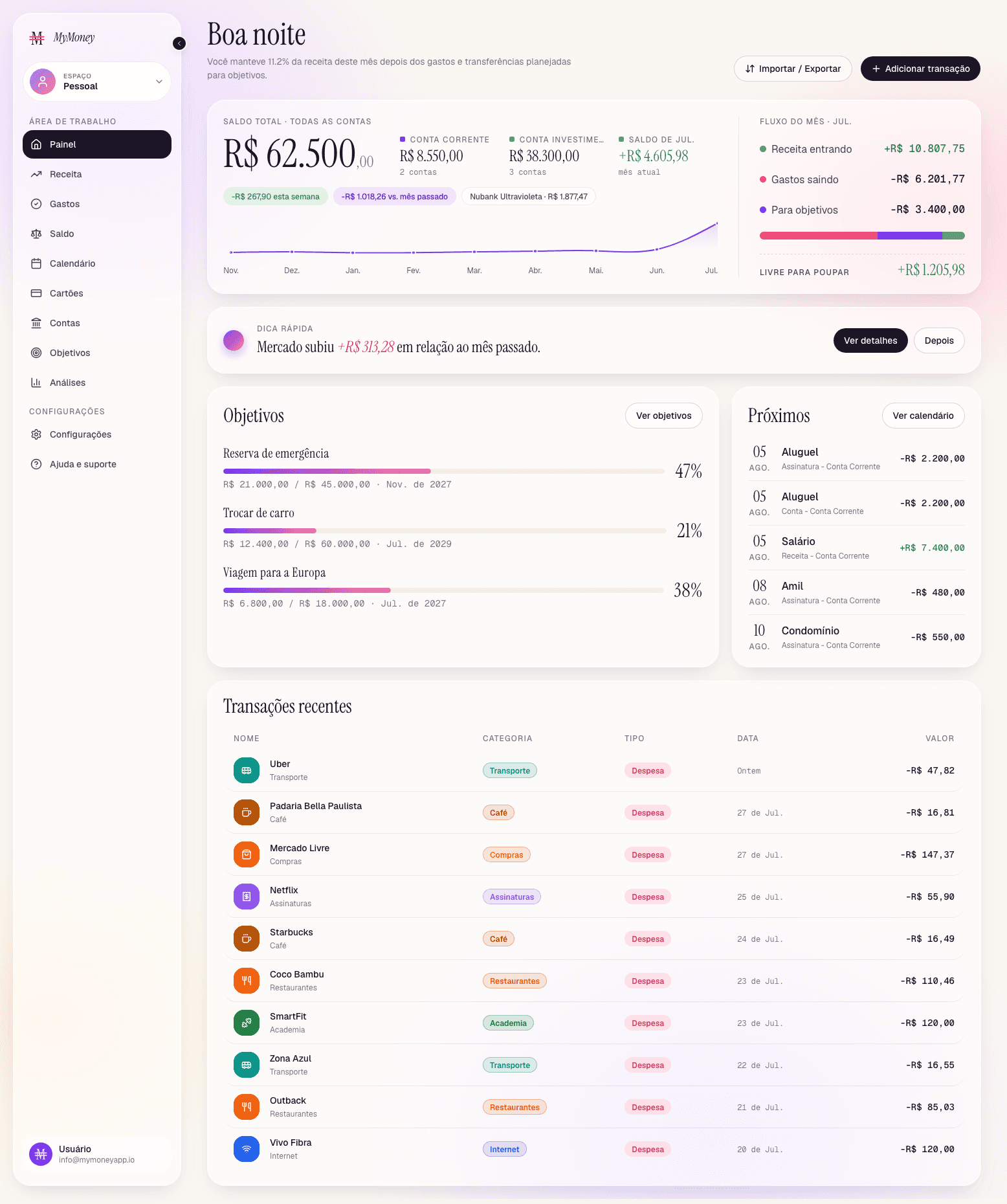
A spreadsheet answers one question well: what's left this month. It starts to fail when the questions change. How much of the card statement that closes on the 25th is already committed? Which subscription crept in unnoticed? If I put away 400 a month, when do I reach the goal? How much did the emergency fund earn?
Each of those questions becomes a new tab, one more formula, a hidden reference error. In a family the spreadsheet also has a version problem: someone logs into the wrong copy and the totals don't match. That is how the founder's spreadsheet became MyMoney, and it is what the app adds:
- Card statements with each card's closing and due dates, and every purchase already on the right statement.
- Bills and subscriptions calendar, with auto-debit marked (Plus plan and above).
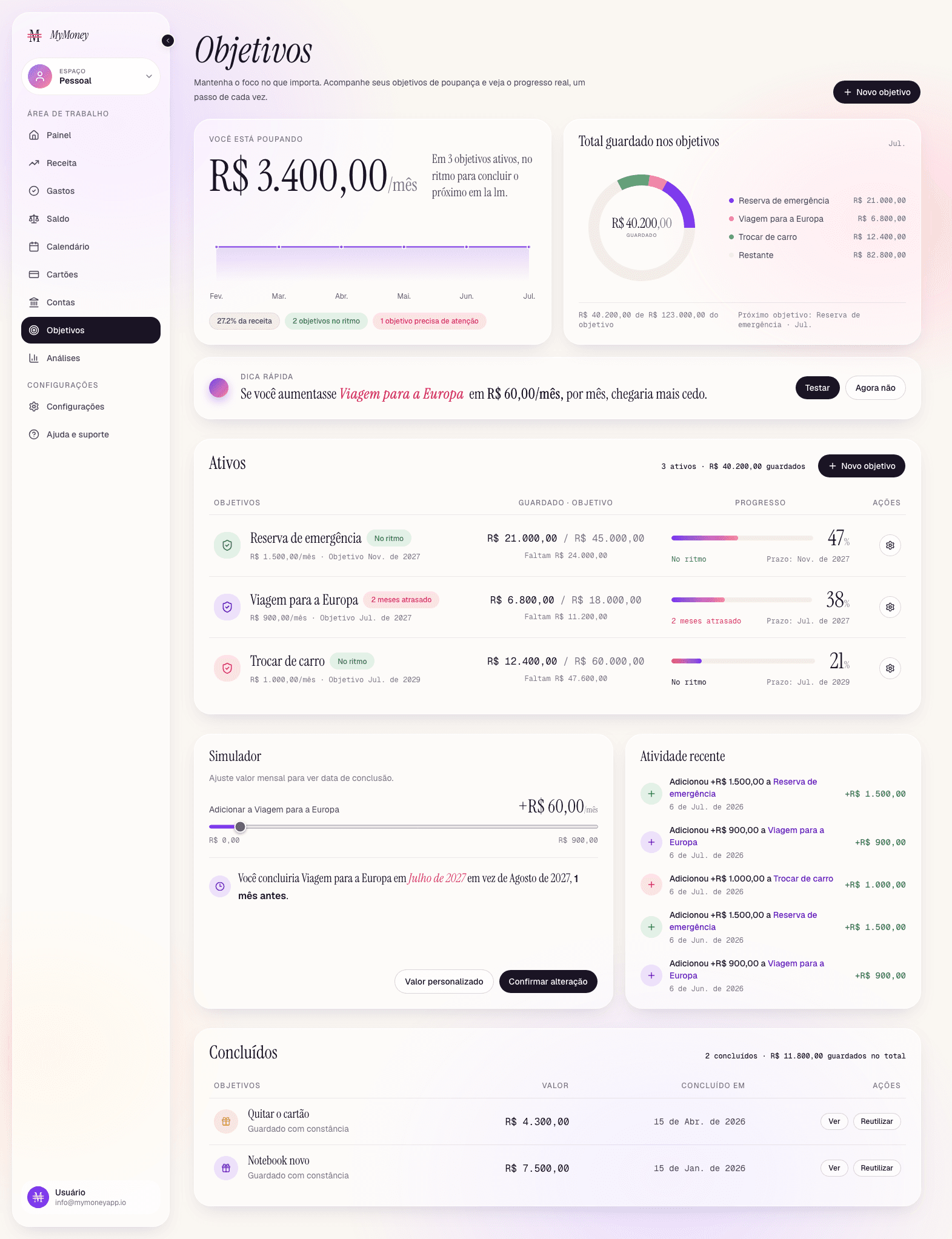
- Goals with a monthly-contribution simulator and pace status.
- Account yield modelled as a % of CDI or a monthly/annual rate.
- Household space with a role per person, on the Premium plan. See Household budget.
From spreadsheet to app, without losing history
If you already have months of entries in a spreadsheet, you don't start over. MyMoney imports CSV and XLSX (Plus plan and above) with a review step that flags errors line by line and creates the accounts and cards named in the file. The walkthrough, with a sample file showing the expected columns, is in Import and export.
And the way back stays open: export in CSV, XLSX or OFX is available at any time, with every column. The 7-day trial asks for no credit card; prices are in Pricing.
- Is the spreadsheet really free?
- Yes, and there's no sign-up. Download it, open it in Excel, Google Sheets or LibreOffice and use it for as long as you like.
- Does it work on a phone?
- It opens in any spreadsheet app on a phone, but logging expenses into a spreadsheet from a phone is the part that wears people out. That's where an app with a quick entry modal makes the difference.
- Can I import the spreadsheet into MyMoney later?
- MyMoney imports CSV and XLSX on the Plus plan and above. Download the sample file in Import and export to see the expected columns and arrange your entries in that layout before uploading.
- Does it work for a family budget?
- It works to get started. With two or more people logging at the same time, a spreadsheet becomes a versioning problem; the Premium plan has a household space with a role per person.
- Why not just stay on the spreadsheet?
- If it answers your questions, stay. The app earns its place when you want card statements, a bill calendar, goals and history without formula maintenance.
Start in the spreadsheet, finish in the app.
Download the template today. When you want more, MyMoney imports what you've already logged. 7 days free, no card.
Try free for 7 days7 days free · No credit card · Cancel anytime · Pricing